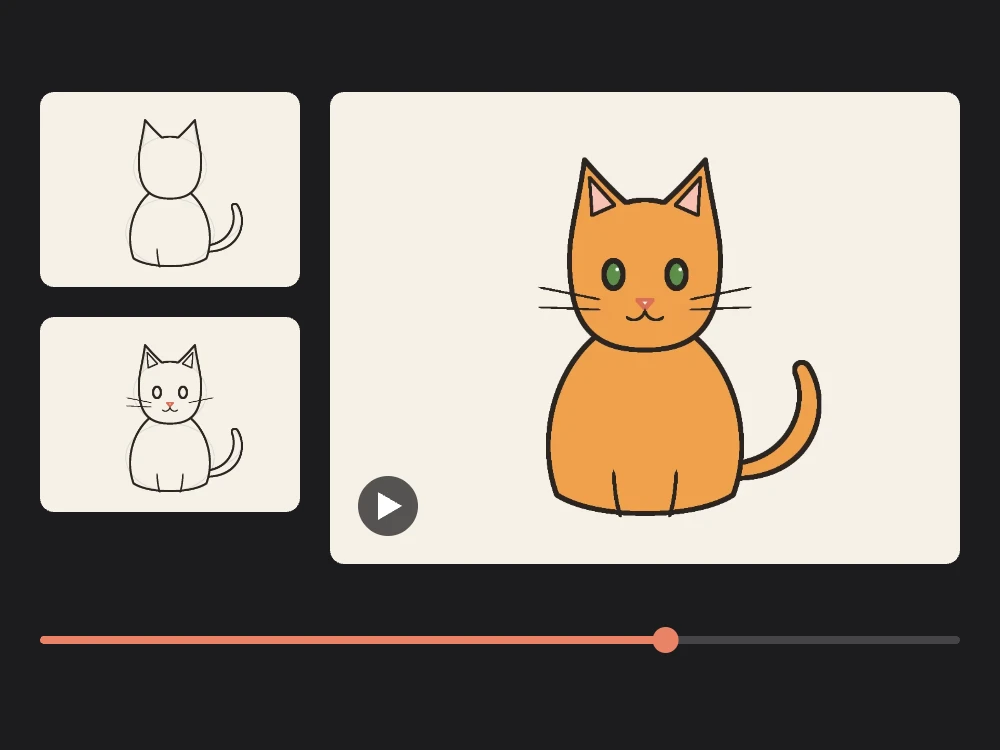
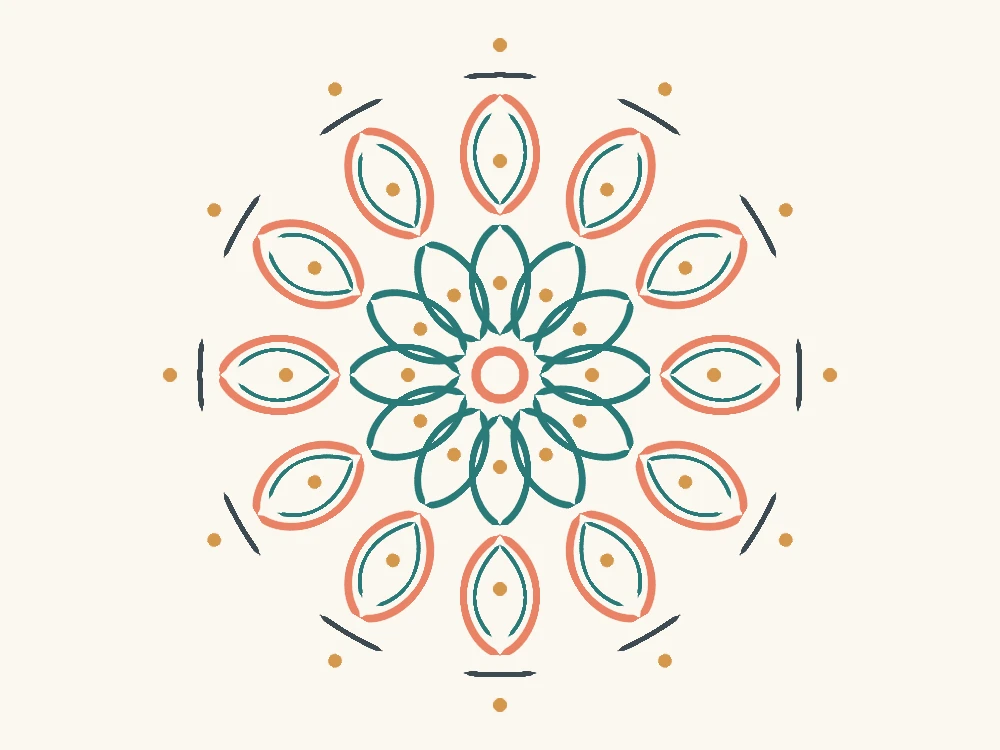
Turn on symmetry in two taps.
Symmetry repeats every stroke around the center of the canvas while you draw. You draw one side of a butterfly and the other wing appears at the same time; you draw one petal and a whole flower blooms.
Open the symmetry panel
Tap the Symmetry button on the side bar, under the size and opacity sliders.
Pick a mode
Choose Mirror, Flip, Four-way or Radial. Thin guide lines show the mirror lines, or the segments in Radial mode; they never appear in your exported image.
Draw
Draw anywhere on the canvas. The brush and the eraser both follow the symmetry, so mistakes disappear symmetrically too.
On a keyboard, press M to switch symmetry off and back on to the mode you used last.
Pick the right mode.
| Mode | Repeats | Try it for |
|---|---|---|
| Mirror | Left ↔ right | Faces, butterflies, vases, robots, front views of buildings |
| Flip | Top ↔ bottom | Reflections in water, playing cards, patterns |
| Four-way | Both at once | Tiles, snowflake-like ornaments, logos, frames |
| Radial | 3–16 copies around the center | Mandalas, flowers, rose windows, kaleidoscopes |
In Radial, the Segments slider sets how many copies go around the center, from 3 to 16. Turn on Kaleidoscope to mirror every other segment as well. Each stroke is then repeated twice as often, and shapes meet seamlessly at the segment edges, like in a real kaleidoscope.
Draw a mandala in five minutes.
Set up Radial symmetry
Choose Radial, set Segments to 8 or 12 and turn on Kaleidoscope. A square canvas works best: choose Square in New canvas….
Start in the middle
Draw a small arc close to the center: it becomes a ring. In the top segment, draw half a petal, a curve that leaves a point straight above the center, bulges to one side and returns to a point higher up on the same vertical line. Kaleidoscope mirrors it into a whole petal, and the copies make a flower.
Grow outwards in rings
Add a larger petal, a row of dots, a dashed arc. Change color for each ring. Every mark is copied around, so a few strokes are enough for a rich pattern.
Color it in
Turn symmetry off with M, add a layer below the lines and color the shapes with the Fill tool, with Sample all layers on in the fill options.
Pausing at the end of a stroke still snaps it to a clean shape when symmetry is on, so perfect circles and straight spokes are repeated as cleanly as freehand marks.
Mirror a drawing from left to right.

Mirror is the mode for anything that faces you. Draw the shared middle line, such as a body, a nose or a vase’s axis, with symmetry turned off, or draw it exactly on the guide, where both copies overlap.
The symmetry axes always pass through the center of the canvas. To mirror something that is off-center, draw it in the middle, then move it into place with Select and Transform.
Tips and limits.
- Use layers: keep the symmetrical line art on one layer and free details, like a signature or a background, on another.
- Fill, selection and transform are not mirrored. Symmetry applies to brush and eraser strokes.
- Record it: mandalas make great timelapses. Export one with the timelapse feature.
- Need an idea? Try a snowflake with 6 radial segments, or browse drawing ideas.